Service · The foundation everything sits on
Wi-Fi and networks for Mallorca villas
The least glamorous part of a smart home and the single biggest reason they fail. Get this wrong and nothing above it works reliably, no matter what you spent on it.
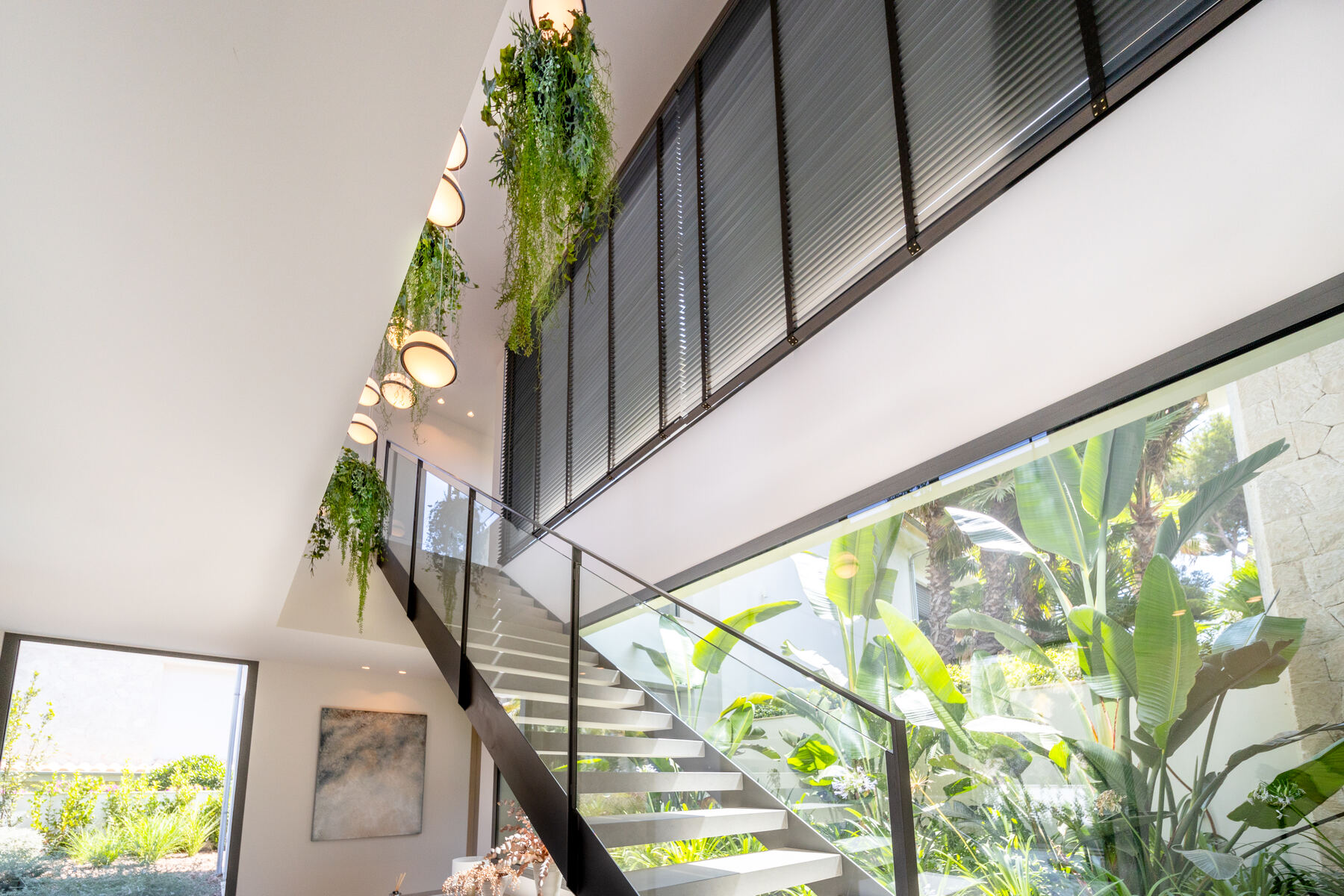
Mallorca is unusually hostile to wireless. Traditional construction is stone, often a metre thick, and even modern villas use dense block, reinforced concrete slabs and a great deal of glass with metallic coatings. A router that covers a British semi will not cover a Mallorcan finca.
Why the villa Wi-Fi keeps failing
One router, too much house. The unit the ISP supplied is designed for an apartment. Asked to cover 600m² across three floors and a garden, it does what physics dictates.
Access points with no wired backhaul. Mesh systems relaying to each other over the air halve their throughput at every hop, and through stone they often can't hear each other at all. Access points want a cable.
A saturated 2.4GHz band. On a hillside of villas, everyone's network overlaps. Most smart home devices are 2.4GHz only, so they're competing in the noisiest part of the spectrum.
Outbuildings treated as an afterthought. The pool house, the gate, the guest cottage and the garage are usually the places coverage is needed most and planned least.
What a proper job involves
- A real survey. Measured signal and throughput across the property, not a glance at the bars on a phone. This is what tells us where access points actually need to go.
- Structured cabling. Cat6 or Cat6A to every access point, camera and fixed device. Fibre between buildings where the run is long or the ground is wet.
- Enterprise access points — typically Ubiquiti UniFi at this scale — properly placed, properly powered over Ethernet, and tuned rather than left on defaults.
- Network segmentation. Separate VLANs for the home devices, the smart home, the cameras and the guest network, so a compromised device can't reach your laptop and the guest network can't see your cameras.
- Monitoring. Alerts when an access point drops or a device disappears, so problems are found before you find them.
If you only do one thing. When budget is tight, spend it here rather than on automation. A reliable network with modest smart home features beats an ambitious system on a network that can't carry it, every single time.
What it costs
| Scope | Typical range |
|---|---|
| Survey and written report | €450, credited against the work |
| Apartment or small villa, cabling in place | €1,500 – €3,500 |
| Villa, new cabling and 4–8 access points | €4,000 – €12,000 |
| Estate with outbuildings, fibre runs and full segmentation | €12,000 upwards |
Further reading: why your Wi-Fi dies past the pool house.
Start with a survey
Half a day at the house, €450 fixed. A written report on what you have, what's wrong with it and what putting it right would cost — yours to keep whether or not you use me.
Book a survey →Questions
Straight answers.
Can you get Wi-Fi through a metre of stone?
Not through it — around it. The answer is never a more powerful router; it's more access points, each fed by a cable, positioned so no signal has to pass through the worst walls. Where cable genuinely can't be run, point-to-point wireless bridges or powerline can cover an outbuilding.
Do I need to rewire the house?
For access points, you need a cable to each one, which is usually a handful of discreet runs rather than a rewire. In a finished house we route through existing conduit, ceiling voids and externally where it can be hidden. The survey establishes what's possible before you commit.
Will fibre from the street help?
It helps your download speed and nothing else. Almost every complaint I'm called about is internal — coverage and interference inside the property. A faster line into a bad network changes nothing.
What about guests and holiday rental?
A separate guest network on its own VLAN, with its own password, bandwidth limits, and no visibility of your devices, cameras or smart home. Standard on every install I do.